I started as a video editor in Premiere Pro and After Effects. Later I spent years teaching editing, showing people how to pull off complicated After Effects-style techniques in a much simpler app: CapCut.
CapCut is fast, it is free, and it does almost everything you need when you already have footage. The problem starts when you don't. A YouTube intro, an explainer, a little story with characters, a documentary-style opening. In CapCut you end up stacking stock clips and stickers, and it still looks like stock clips and stickers. The next step is usually After Effects (powerful, but weeks to learn) or an AI video tool (credits for every try, and results that often look like everyone else's).
All those years I kept wishing for one app in between: the power of After Effects, in an environment as simple as CapCut, where you click and go. So I built it. Dinoctor is a free app where you direct an animated video instead of editing one.
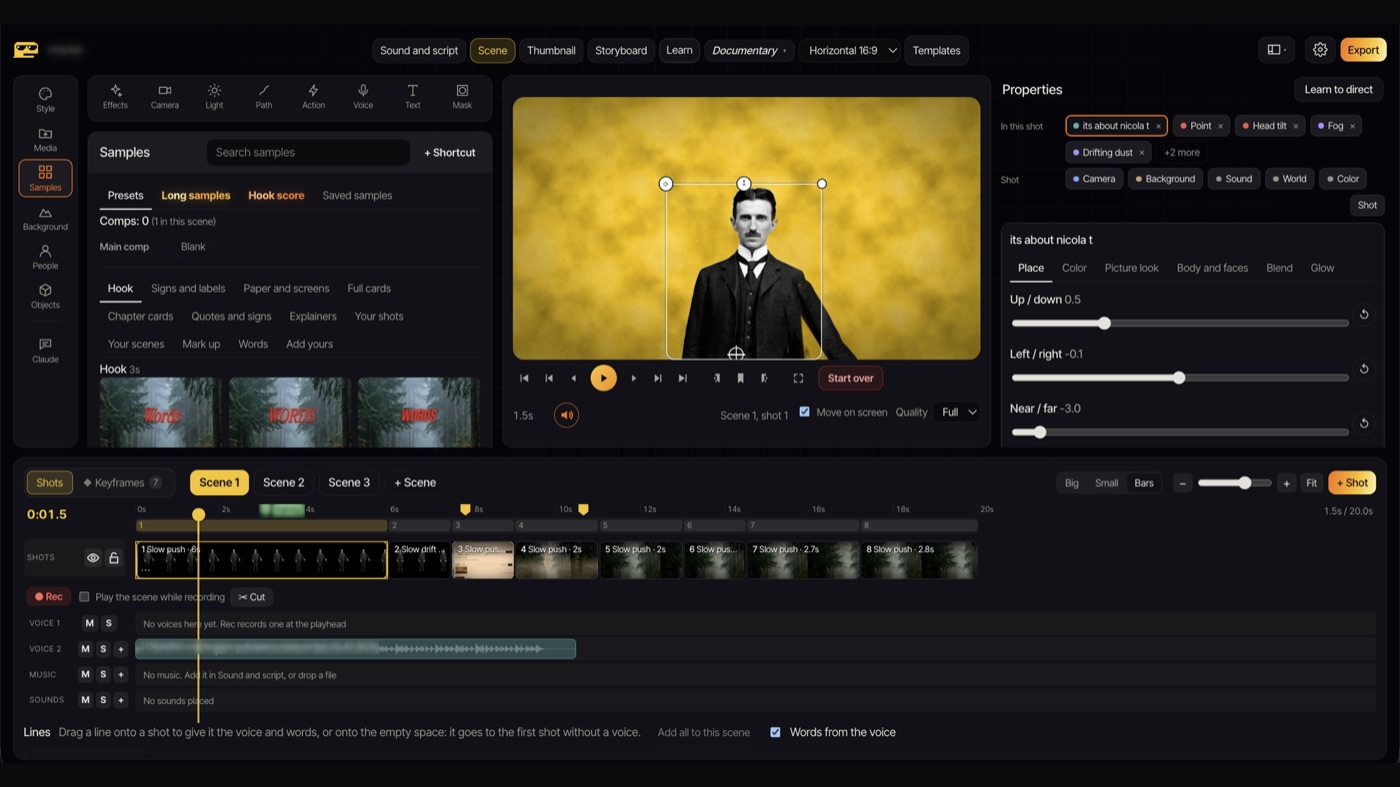
Editing vs. directing: the real difference
CapCut starts from clips on a timeline. You cut, trim, stack and add effects.
Dinoctor starts from a scene. You pick a place, put characters in it, tell them what to do, and choose how the camera moves and how the light falls. The app animates it for you. There is no keyframing unless you want it.
You stop asking "how do I animate this?" and start asking "what should the camera do here?"
What you can make with it
- YouTube intros and channel trailers
- Faceless videos: explainers, history, documentary openings
- Instagram Reels and Shorts in vertical format
- Short stories with characters that act, talk and react
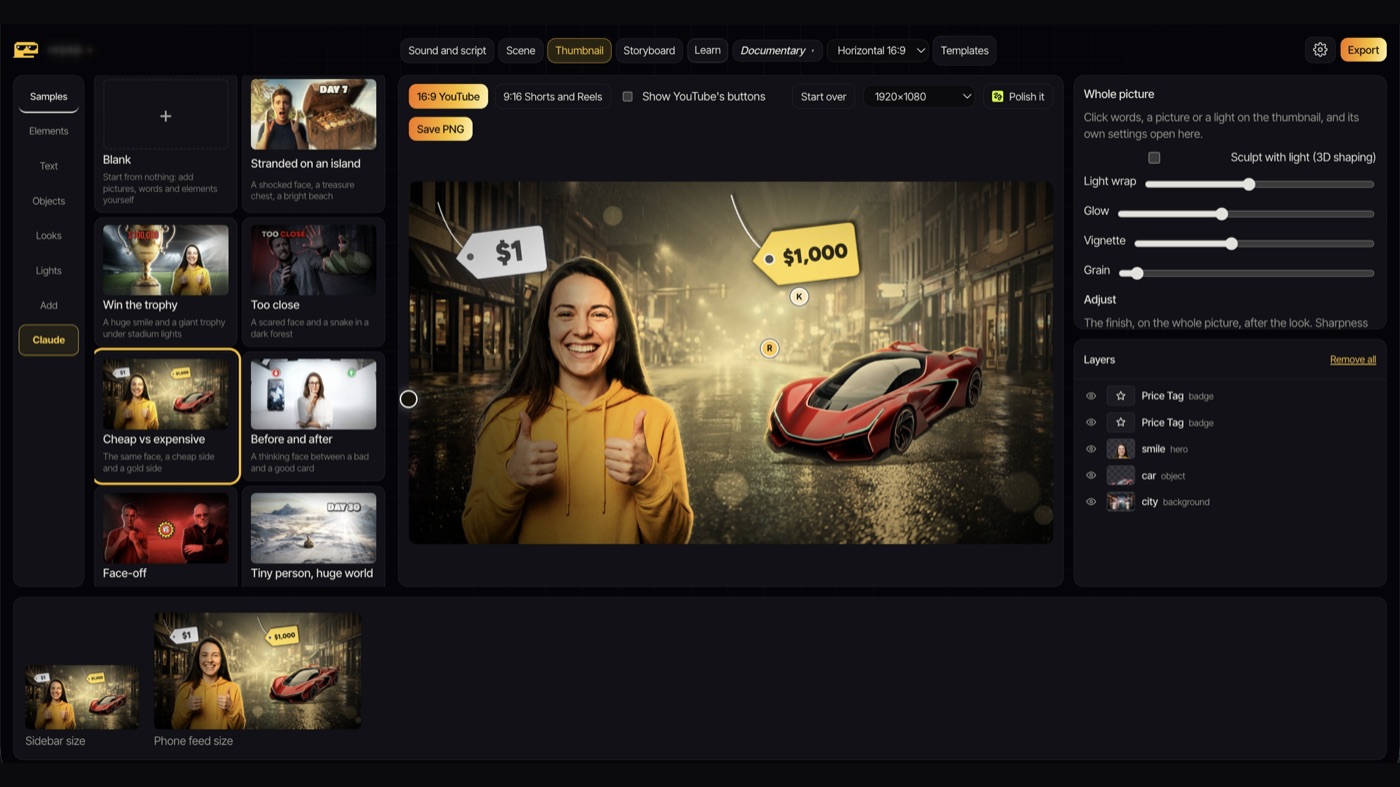
- Thumbnails, from the same scenes
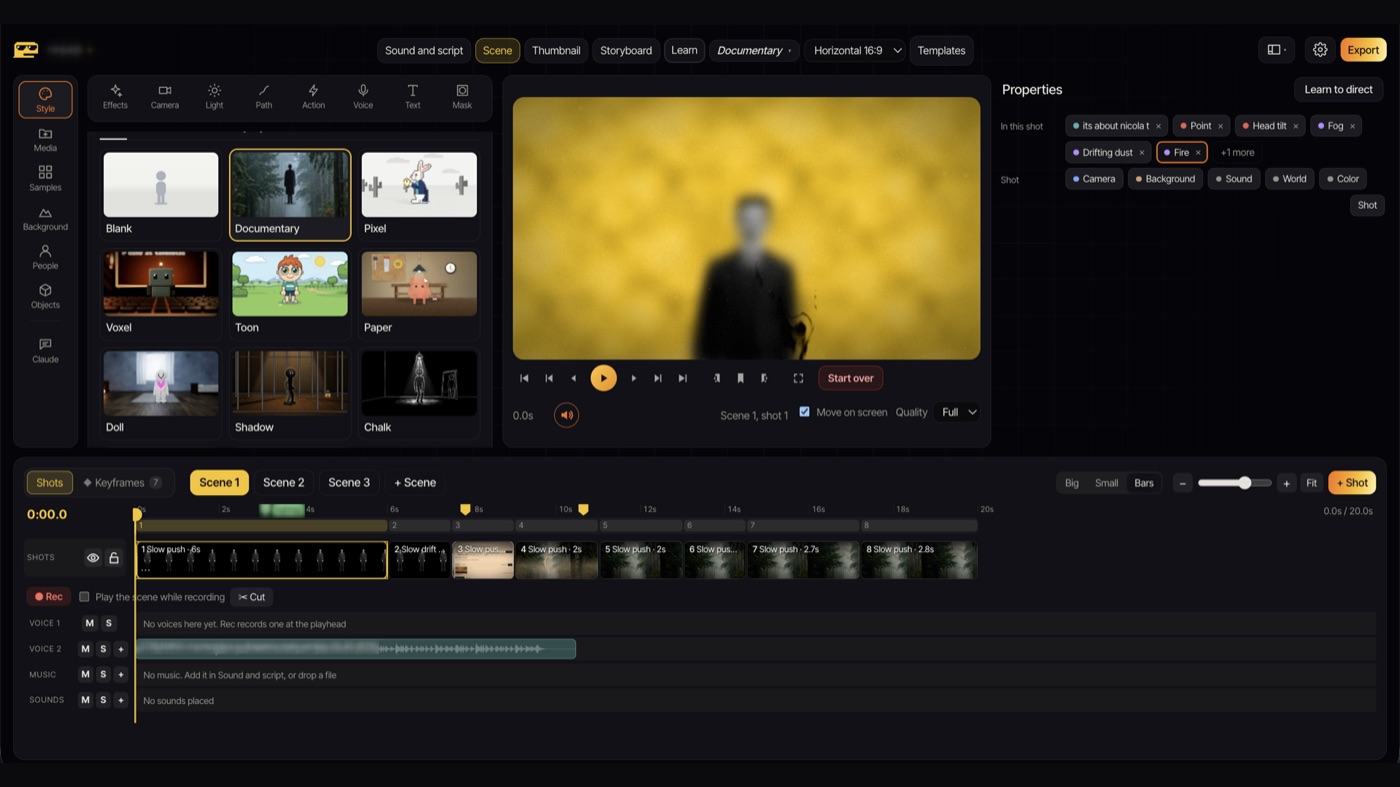
How to make your first animated video, step by step
- Pick a style. Documentary, Pixel, Toon, Paper, Chalk and more. Or start from a ready-made sample and change it.
- Build your scenes. Each scene is a place. Inside it, add shots: who is there, what they do, what the text says.
- Direct the camera. One click for a push-in, a pan, an orbit or a crash zoom. No keyframes.
- Set the light. Golden hour, night, storm, studio. The whole mood changes with one choice.
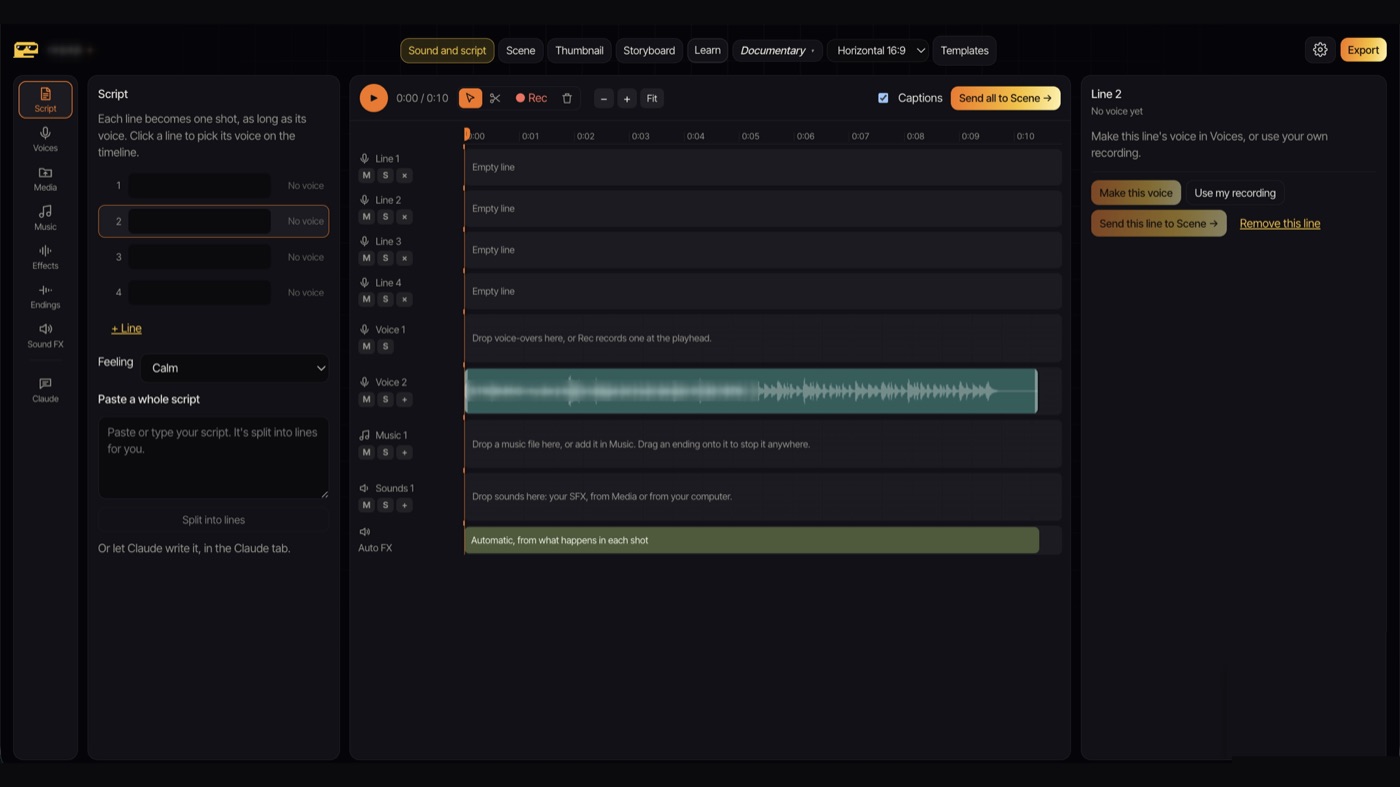
- Add voice and sound. Record your own voice or paste a script. Sound effects place themselves on the cuts.
- Export. MP4 in 1080p, 2K or 4K, at 24, 30 or 60 fps.
Tip
Short on ideas? Open the samples. They are built from real documentary and YouTube openings, so you start from something that already works and make it yours.
CapCut and Dinoctor side by side
| CapCut | Dinoctor | |
|---|---|---|
| Best for | Editing footage you filmed | Animated scenes made from scratch |
| How you work | Clips on a timeline | Scenes, shots, camera and light |
| Needs footage? | Usually | No |
| AI credits | Some features | Not needed |
| Export | Up to 4K | 1080p, 2K or 4K, up to 60 fps |
| Runs on | Phone, desktop, web | Mac and Windows |
They are not enemies. Many people will make the animated parts in Dinoctor and do the final cut wherever they like. Use the tool that fits the job.

Try Dinoctor free
Mac and Windows. Direct animated videos in any style, no AI credits needed.
Download freeIs it really free?
The app is free, and so are several styles, with no subscription and no AI credits needed. The main styles are part of Pro, which is a one-time purchase. If you like, Claude can help you write the script or even direct a whole video inside Dinoctor, but that part is optional.
The bottom line
If you film things and cut them, CapCut is hard to beat. If you want animated videos that look directed rather than assembled, and you don't want to learn After Effects or pay per try, give Dinoctor an afternoon. Make one intro. You'll know quickly if it fits the way you think.
Try Dinoctor free
Mac and Windows. Direct animated videos in any style, no AI credits needed.
Download free